Latest Version
Daljit Singh
Education
Linux
Free
com.github.scrivanolabs.scrivano
Report a Problem
More About Scrivano for Handwritten Notes
A Digital Canvas for Natural Handwriting
For many professionals, students, and creatives, typing on a keyboard can stifle the natural flow of ideas. Scrivano for Handwritten Notes addresses this by providing a dedicated, distraction-free environment for those who prefer the tactile feel of handwriting over standard typing. Running seamlessly on the Linux platform, this educational and productivity tool offers an infinite vertical canvas that allows your thoughts to flow continuously without horizontal constraints.
Key Features of Scrivano for Handwritten Notes
What makes this application stand out is its balance between a minimalist interface and highly functional, practical tools. Here is what you can achieve with the app:
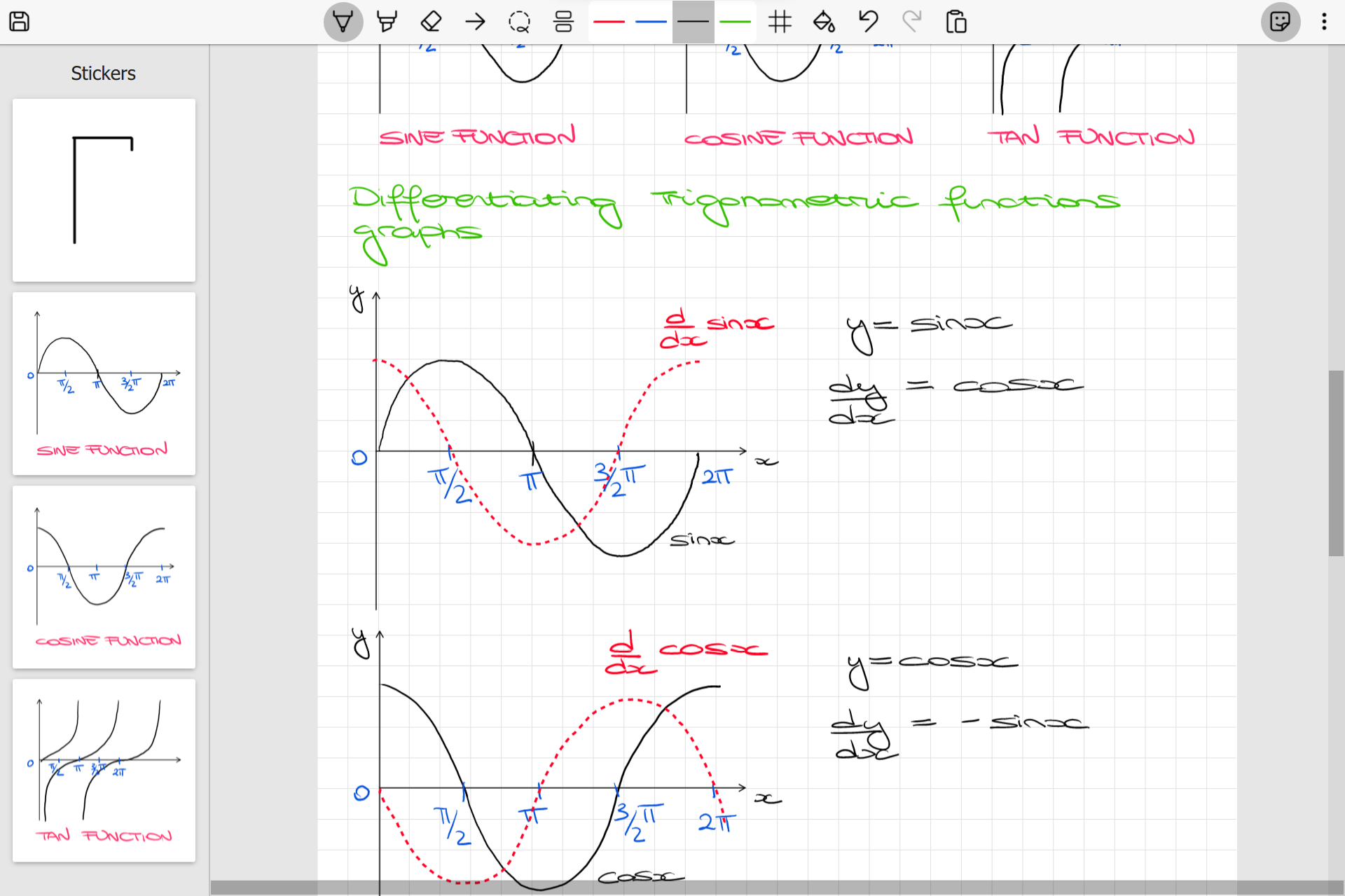
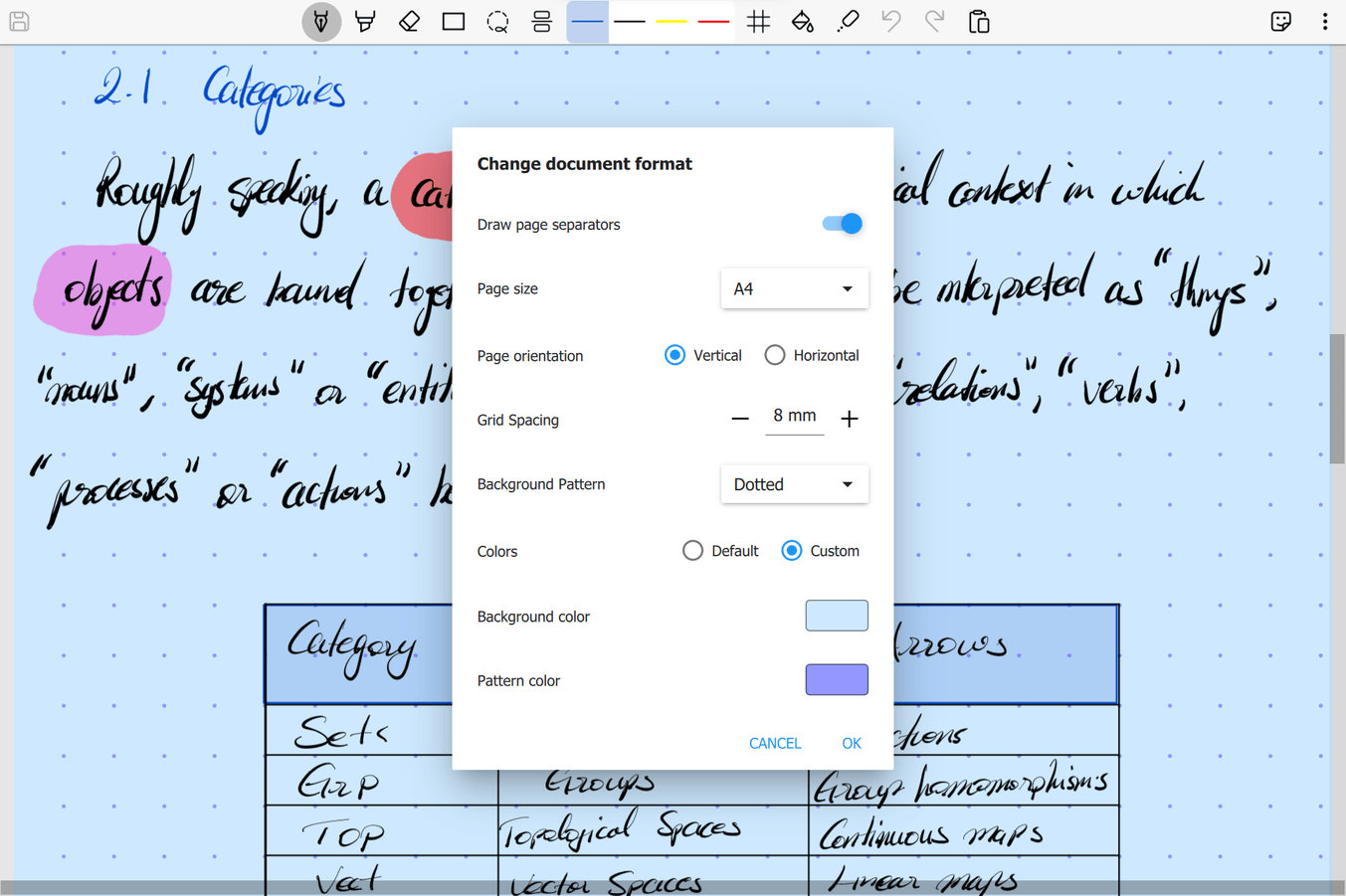
- Customizable Paper Backgrounds: Choose from four distinct layouts including Plain, Lined, Grid, or Dotted paper, complete with adjustable spacing to match your writing style.
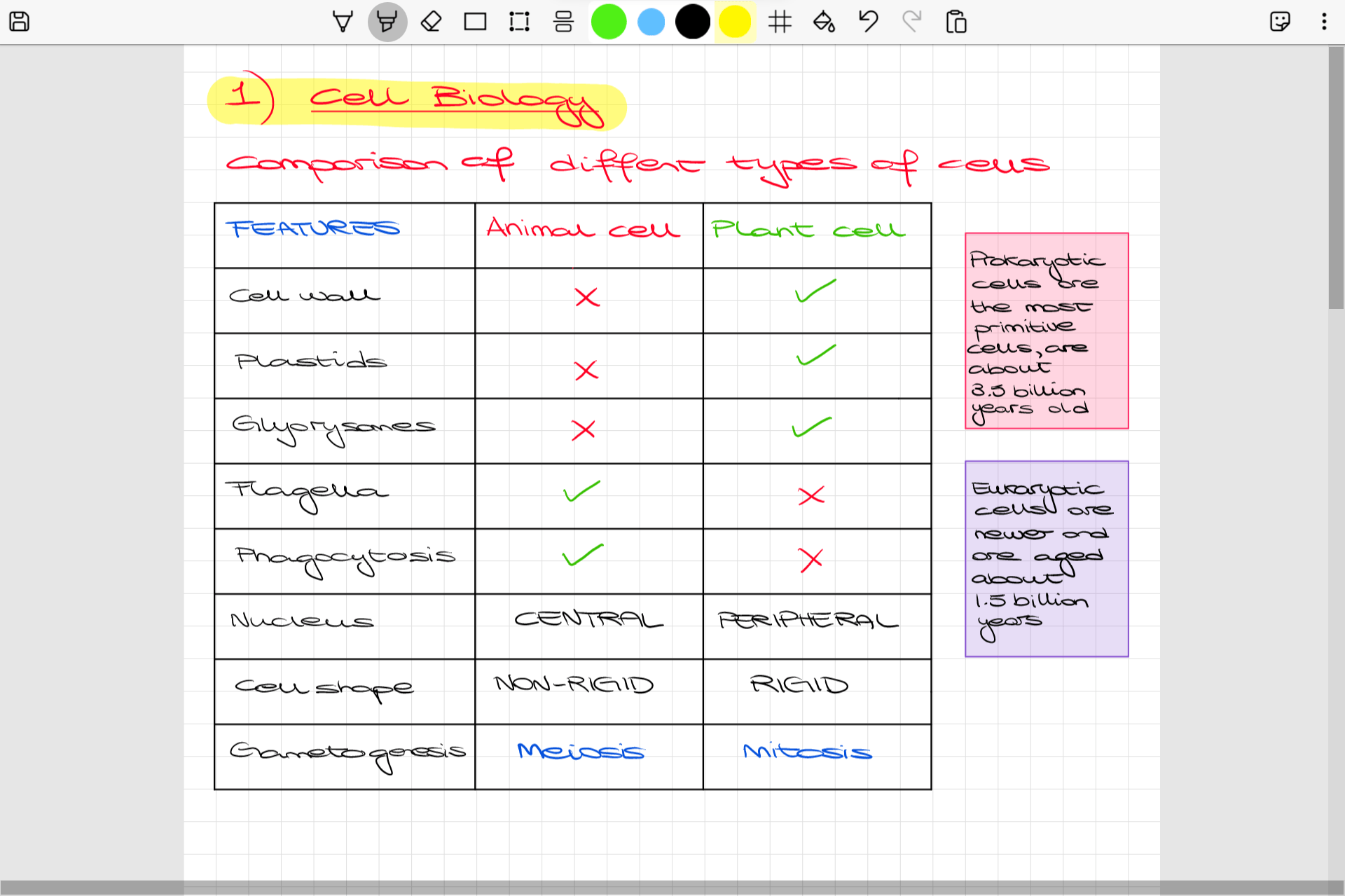
- Precision Grid Snapping: Easily toggle grid snapping to make your hand-drawn tables, diagrams, and structural lines align perfectly with the background.
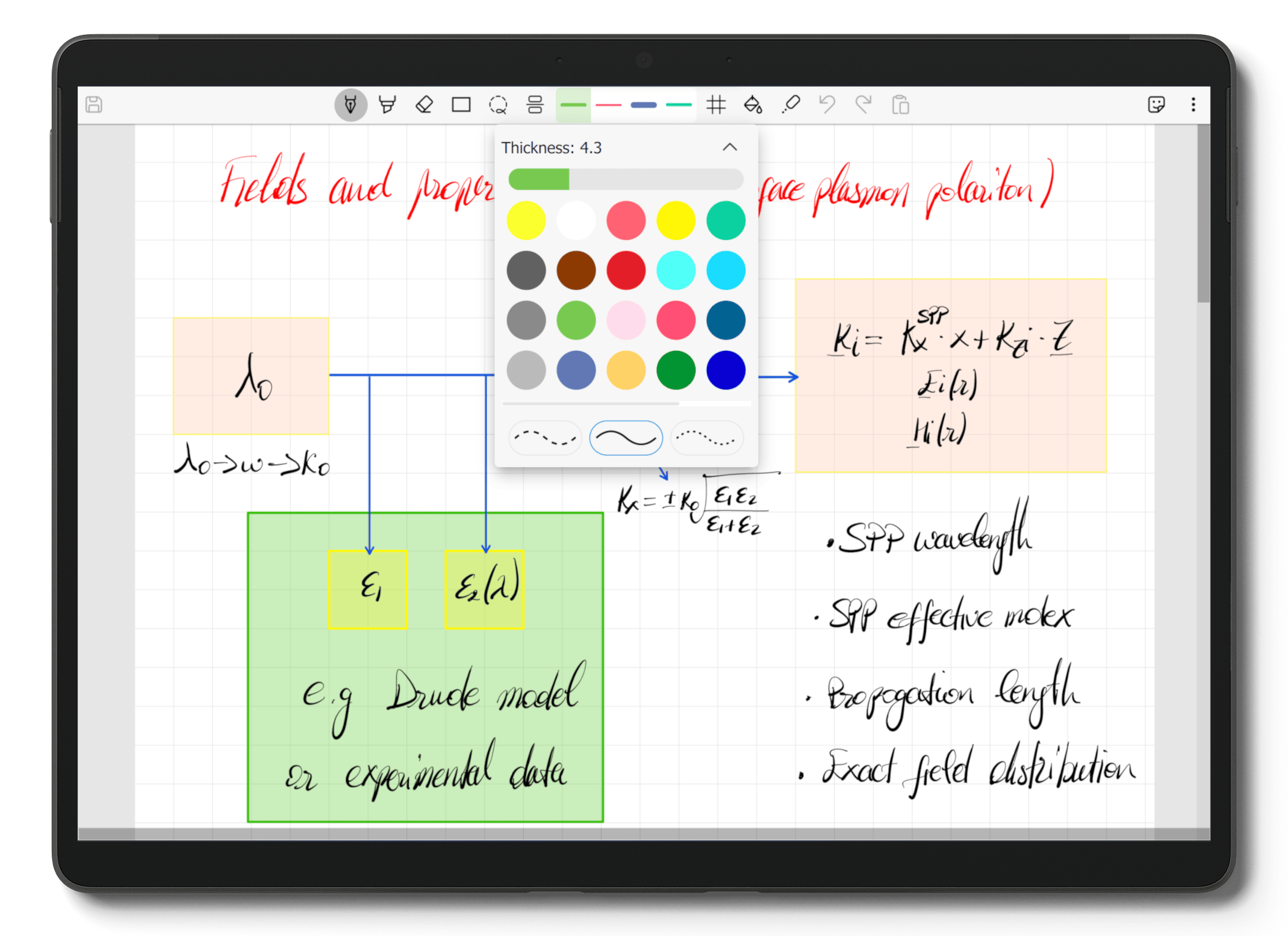
- Automatic Stroke Filling: Use the built-in paint bucket tool to quickly fill in shapes and hand-drawn strokes for clearer diagrams.
- Reusable Stickers: Save your frequently drawn symbols, formulas, or diagrams as stickers to drag and drop them onto the canvas whenever needed.
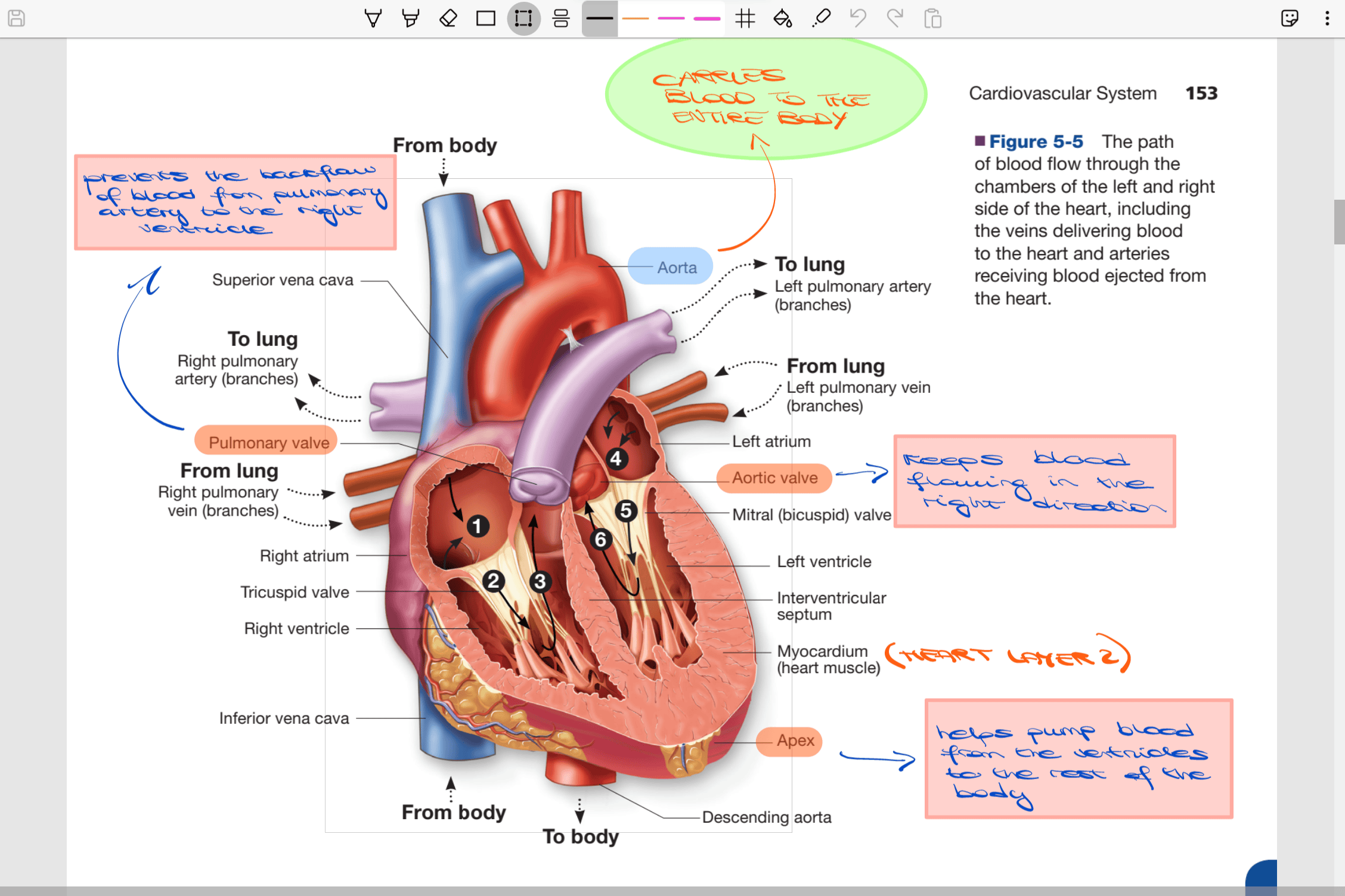
- PDF Annotation Capabilities: Import lecture slides, digital books, and articles directly into the workspace to write notes and highlight text.
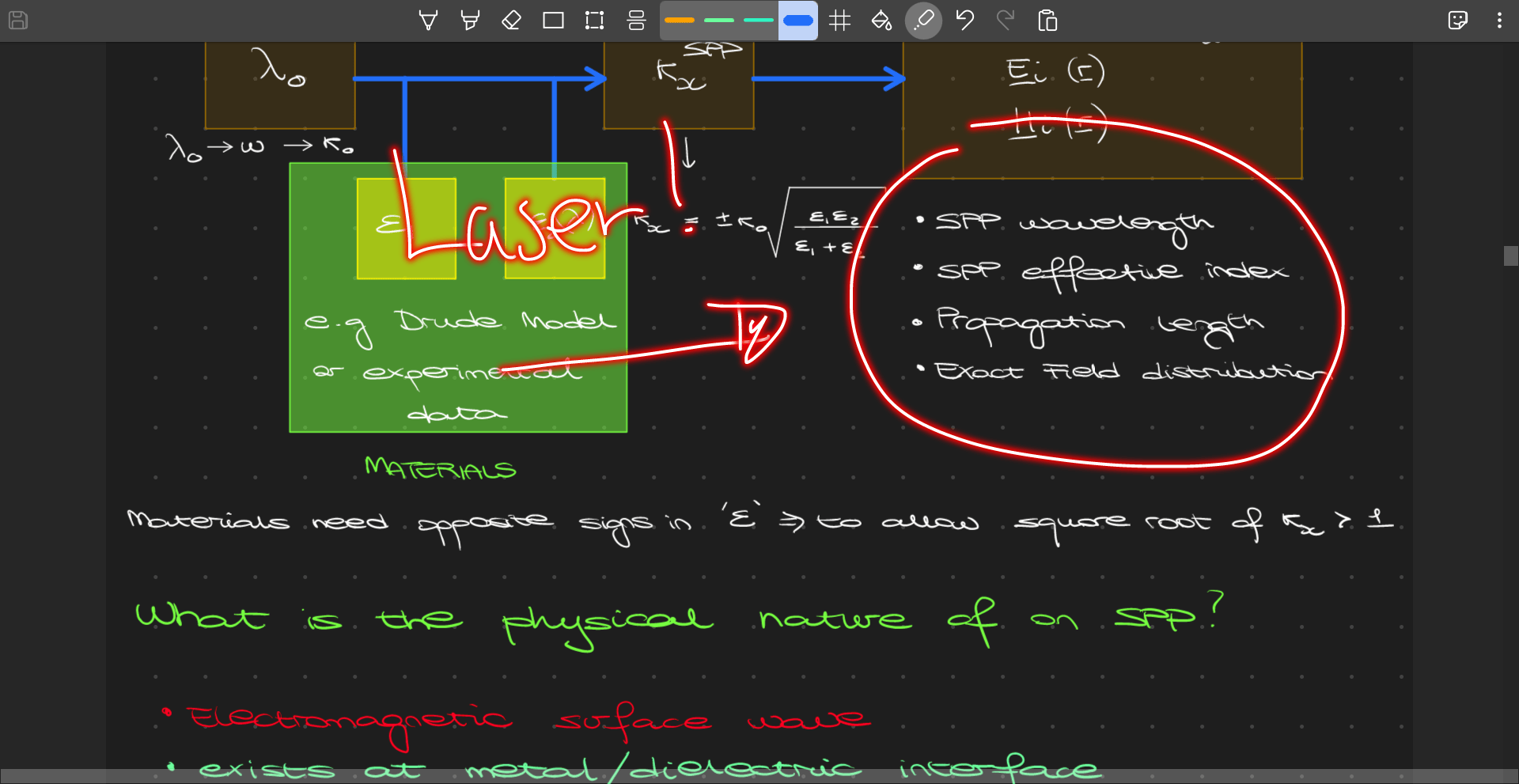
- Interactive Presentation Tools: Utilize the special laser pointer tool to draw temporary lines over your notes during live screen-sharing sessions or presentations.
Local Control and Sandboxed Freedom
Developed by Daljit Singh, Scrivano for Handwritten Notes prioritizes user privacy and data ownership with offline saving. Your documents are stored directly on your local drive. Linux users installing the flatpak version should note that the app operates within a secure sandbox, restricting file access to standard directories like Documents and Downloads by default, though this can easily be customized using Flatseal for greater flexibility.
Is It Right for You?
If you are looking to replace physical notebooks with an organized, digital alternative that supports precise PDF markup and endless sketching space, this software is an excellent choice. To integrate this tool into your daily workflow, visit the official Flathub store page to explore and install the application for your Linux distribution.
Rate the App
User Reviews












Popular Apps







Editor's Choice